MEASURE BEFORE YOU UPGRADE
A clearer picture.
Down to the
numbers.
Screen sizes can be misleading.
Compare the dimensions, understand the pixels,
and make room for what comes next.
Less guesswork.
More perspective.
THREE WAYS TO GET CLEARER
The right tool
for your next screen.
Start with a diagonal.
Leave with a better understanding.

Know the dimensions.
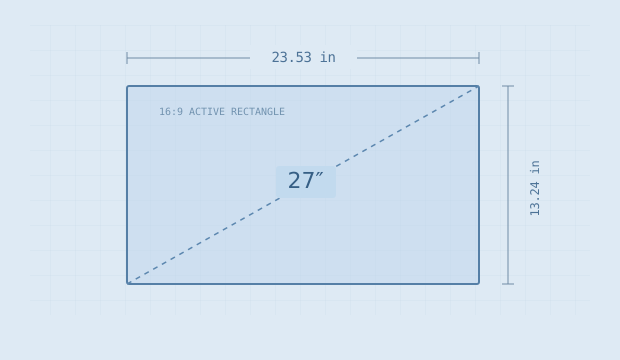
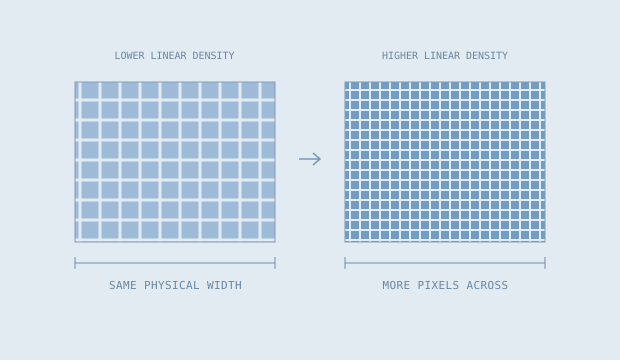
Calculate active width, height, area and pixel density from diagonal, aspect ratio and resolution.
Screen dimensions & PPI
See what changes.
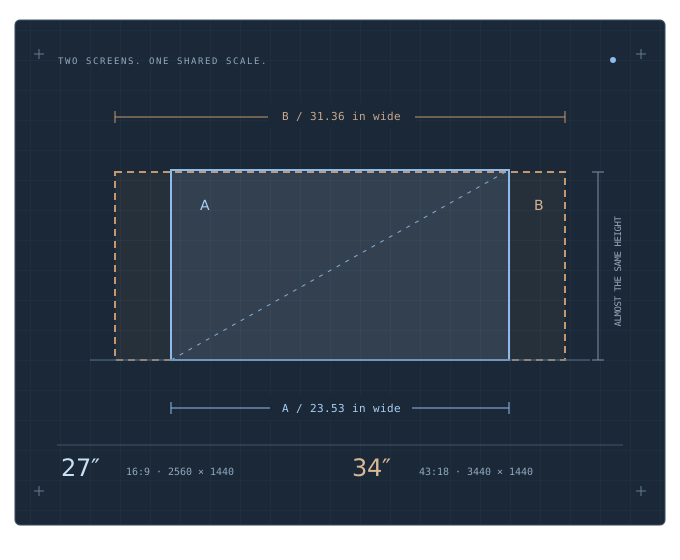
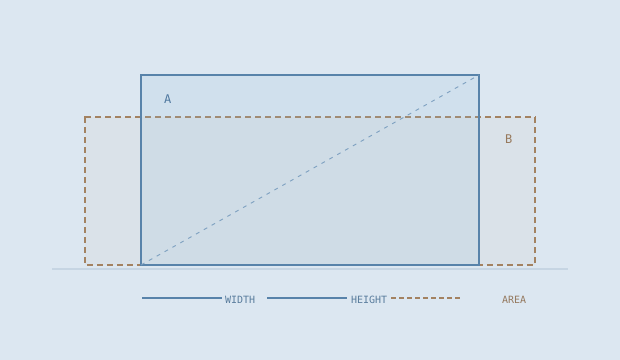
Compare two active rectangles at one scale, with signed changes in width, height, area and density.
Screen size comparison
Make room for the setup.
Plan a straight row of one, two or three screens with real outer widths, gaps and side reserves.
Monitor desk plannerPUT A NUMBER TO IT
What does 27 inches
actually look like?
YOUR RESULT
—
Enter your numbers to make a measurement.
Flat active-picture geometry. Outer housings, curvature, stands and software scaling are not modeled.
TRANSPARENT BY DESIGN
The shape. The math.
The parts we can’t predict.
We show the formulas, keep the assumptions visible, and separate screen geometry from product claims. No invented ratings. Just useful measurements.
About this little lab